One-tap background removal
Remove distracting backgrounds using intelligent subject detection.
AI background editing, made effortless
Turn everyday photos into polished cutouts with on-device AI. Refine every edge, choose a new background, and export a transparent PNG in just a few taps.
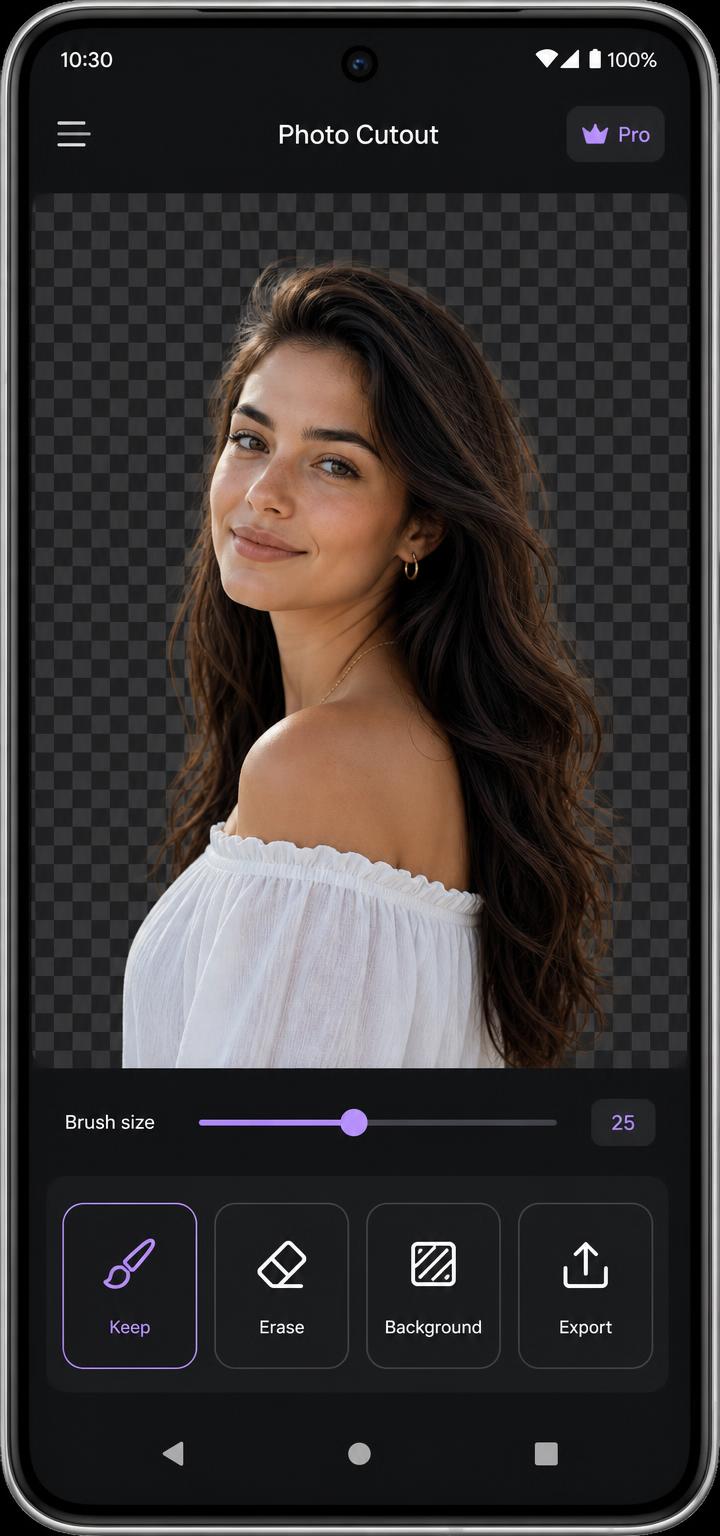


How it works
Select a person, pet, product, or object from your gallery.
Cutout identifies the subject directly on the device.
Perfect the edges, add a new background, and save the result.
Features
Remove distracting backgrounds using intelligent subject detection.
Use Keep and Erase brushes, adjustable brush sizes, undo, and redo controls.
Use transparent, solid-colour, blurred, or custom-image backgrounds.
Create assets for product images, profile photos, stickers, presentations, and social media.
Reopen recent uploads stored privately on the device — up to 24 of them.
Background-removal processing happens on the device, and the editor works without an account.
Before and after
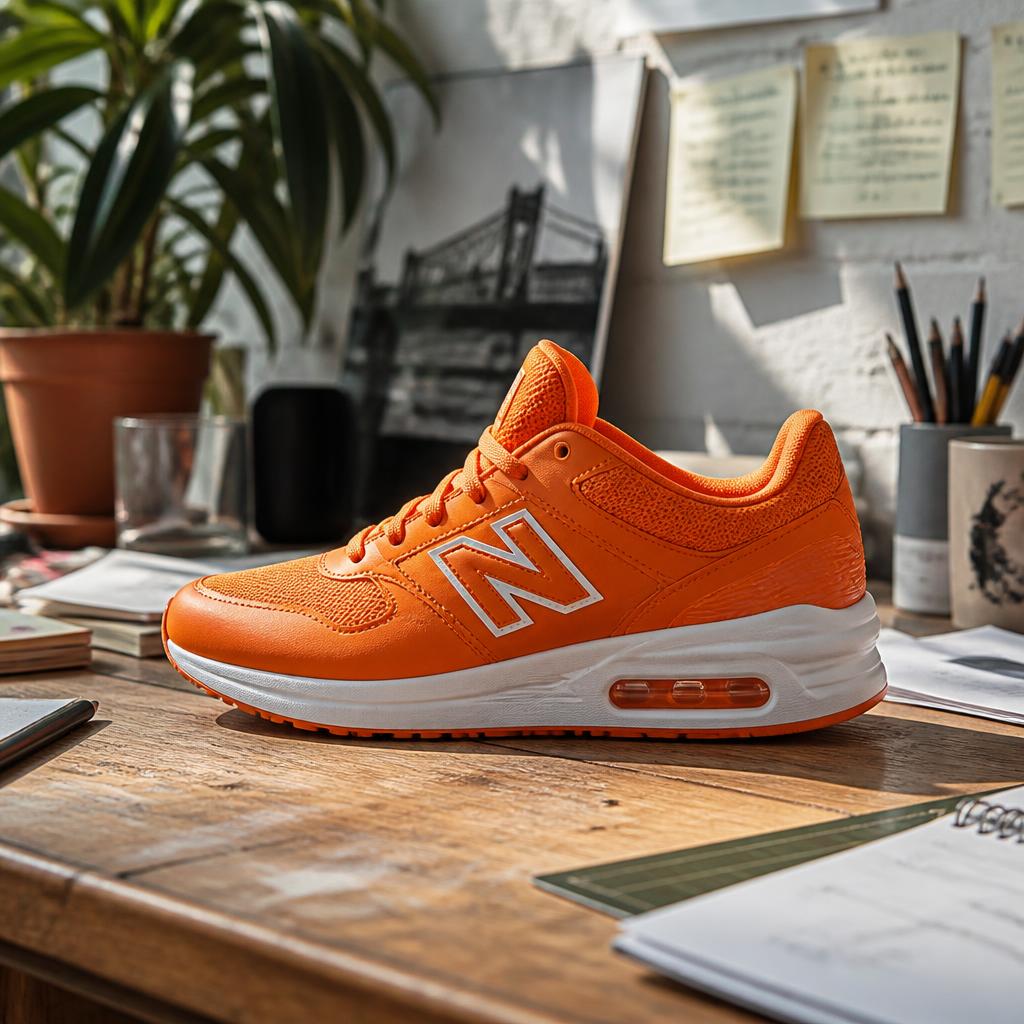
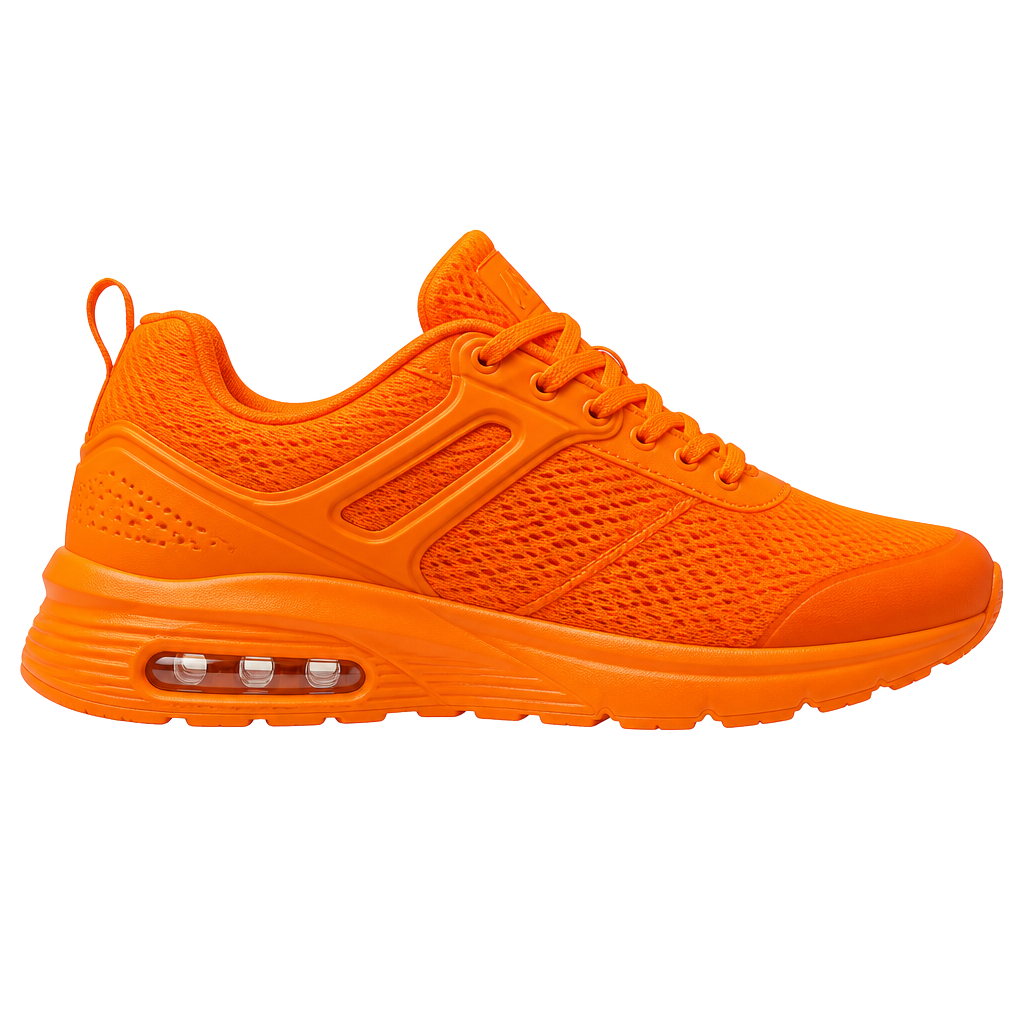
Cluttered desk shot to clean catalogue image.
Busy street portrait with fine hair detail preserved.


Soft fur edges kept intact against a new scene.
Use cases
Clean, consistent catalogue images.
A crisp portrait on any background.
Layer subjects into bold layouts.
Transparent PNGs ready for chat packs.
Listings that look professional fast.
Drop subjects into slides seamlessly.
Guides
Cutout is free to download and the editor is available without payment. The app contains advertising, which supports development. We do not promise the app will remain entirely without paid options in future versions.
No. You can use the editor without an account. Signing in with Google is optional.
No. Background-removal processing happens on your device, and your photos and generated masks are not uploaded to a developer-operated server. Internet access may be used for the initial AI model download, advertising, consent management, and optional Google sign-in.
Yes. You can keep the background transparent and export a high-quality PNG saved to Pictures/Cutout.
Yes. The Keep brush restores areas that were removed by mistake and the Erase brush removes anything left behind, with adjustable brush sizes plus undo and redo.
Yes. You can choose a transparent background, a solid colour, a blurred version of the original photo, or select another image from your device.
Up to 24 recent uploads are kept in private local application storage on your device so you can reopen recent work.
You can remove individual recent uploads inside the app, clear all local app data from Android settings, and delete exported files from Pictures/Cutout. The Delete Data page has step-by-step instructions.
Remove the background, perfect the details, and create a completely new scene with Cutout.